How to Update Your Marriage Biodata for Better Responses
If your biodata has been shared for a few weeks and the responses feel slow, the solution is not always a completely new profile. Often, a focused update is enough: cleaner wording, a newer photo, corrected details, and a PDF that feels easier for families to review.
This guide is for people who already have a biodata and want to improve it before sharing it again. If you are starting from zero, begin with the biodata for marriage guide. If your structure itself feels confusing, compare it with the primary wedding biodata format page first.
When Should You Update Your Biodata?
Update your biodata whenever the current version no longer reflects your life or does not create the right first impression.
Common triggers include:
- new job, promotion, business update, or salary range change,
- new education, certification, or professional milestone,
- updated location or relocation preference,
- better photo availability,
- feedback from parents, relatives, or a marriage bureau,
- repeated questions from families about missing details,
- or a long gap since the biodata was first created.
Even if nothing major changed, review your biodata every two to three months during an active search. Small improvements can make the profile feel current and intentional.
Step 1: Check Whether the First Screen Is Strong
Families often scan the top section first. If the first screen looks crowded, outdated, or vague, they may not read the rest carefully.
Review these details:
| Section | What to check |
|---|---|
| Name and basic details | Spellings, age, height, community, location |
| Photo | Recent, clear, respectful, high quality |
| Education and career | Current role and highest qualification |
| Family summary | Short, warm, and easy to understand |
| Contact details | Correct number/email and preferred contact method |
If your format buries important details too low, move the most review-worthy information upward. For structure help, use the matrimonial biodata template guide.
Step 2: Replace Generic Lines With Specific Details
Generic wording makes many biodatas sound identical. A good update adds useful specifics without becoming too long.
Instead of:
I am simple, caring, and family-oriented.
Try:
I value family time, steady career growth, and a balanced lifestyle. I enjoy reading, weekend travel, and staying connected with relatives.
Instead of:
Looking for a good partner.
Try:
Looking for an educated, respectful partner who values family, open communication, and mutual support.
The goal is not to sound dramatic. The goal is to give families enough context to understand your personality and expectations.
Step 3: Update Professional Details Carefully
Career information is one of the most frequently reviewed parts of a marriage biodata. Keep it accurate, but do not over-explain.
Include:
- current designation,
- company or business type,
- city or work location,
- education summary,
- income range only if your family is comfortable sharing it,
- and long-term plans if they affect relocation or lifestyle.
Avoid writing a resume-style career history. A biodata should show stability and direction, not list every project. If you are unsure how biodata differs from job documents, read Biodata vs Resume.
Step 4: Refresh the Photo Before Redesigning Everything
A weak photo can make even a well-written biodata feel unfinished. Before changing templates, review your image quality.
Your photo should be:
- recent,
- well-lit,
- clear when zoomed on mobile,
- modest and family-appropriate,
- and consistent with the overall tone of the biodata.
Avoid heavy filters, cropped group photos, and images where the face is too small. For detailed image guidance, use the marriage biodata photo guidelines.
Step 5: Fix the Sections That Create Repeated Questions
If families keep asking the same question after receiving your biodata, treat that as a signal.
For example:
- If people ask about relocation, add one clear line under career or expectations.
- If people ask about siblings, make the family section more specific.
- If people ask whether horoscope matching is important, mention it politely if relevant.
- If people ask about language preference, add it in personal or lifestyle details.
- If people ask whether the profile is updated, add an updated file name or date.
Good biodata writing reduces back-and-forth. It does not answer every possible question, but it covers the obvious ones.
Step 6: Recheck Sensitive Information
Every update is also a privacy review. Biodata files often move through WhatsApp groups, email threads, and relatives you may not know personally.
Keep the file useful but controlled:
- Do not include Aadhaar, PAN, passport, or full street address.
- Use city and state instead of complete home address.
- Share income only if your family is aligned.
- Avoid confidential business or employer details.
- Keep a separate detailed version only for serious conversations.
For general digital safety guidance, you can refer to CERT-In and the Digital Personal Data Protection Act overview. For biodata-specific privacy steps, read Marriage Biodata Security.
Step 7: Update the Format Only if It Helps Readability
Do not redesign your biodata just because you are bored with it. Redesign when the current layout makes the profile harder to read.
Change the template if:
- the text is too small on mobile,
- the sections feel cramped,
- the photo looks awkward,
- the PDF is too large to share easily,
- or the design does not match your family’s preference.
If you want editable structure before exporting, use marriage biodata format in word as a planning reference. For a faster online workflow, use a biodata maker and preview the PDF before sharing.
Step 8: Use a Final Share Checklist
Before sending the updated biodata, review it like a recipient would.
- [ ] Can the profile be understood in 30 seconds?
- [ ] Is the photo clear on mobile?
- [ ] Are dates, age, height, and contact details correct?
- [ ] Is partner expectation polite and realistic?
- [ ] Are private details controlled?
- [ ] Does the PDF open cleanly on phone and laptop?
- [ ] Is the filename clear, such as
Aarav-Sharma-Marriage-Biodata-Updated-Jun-2026.pdf?
For a deeper review pass, use the Marriage Biodata Proofreading Checklist.
A Simple 20-Minute Update Workflow
Use this if you want to refresh your biodata quickly:
- Spend 5 minutes checking personal, career, and contact details.
- Spend 5 minutes rewriting the about-me and partner-expectation sections.
- Spend 5 minutes reviewing photo quality and layout.
- Spend 5 minutes exporting a fresh PDF and opening it on mobile.
This is enough for most routine updates. Bigger life changes may need a deeper rewrite, but frequent small updates are better than waiting until the profile feels outdated.
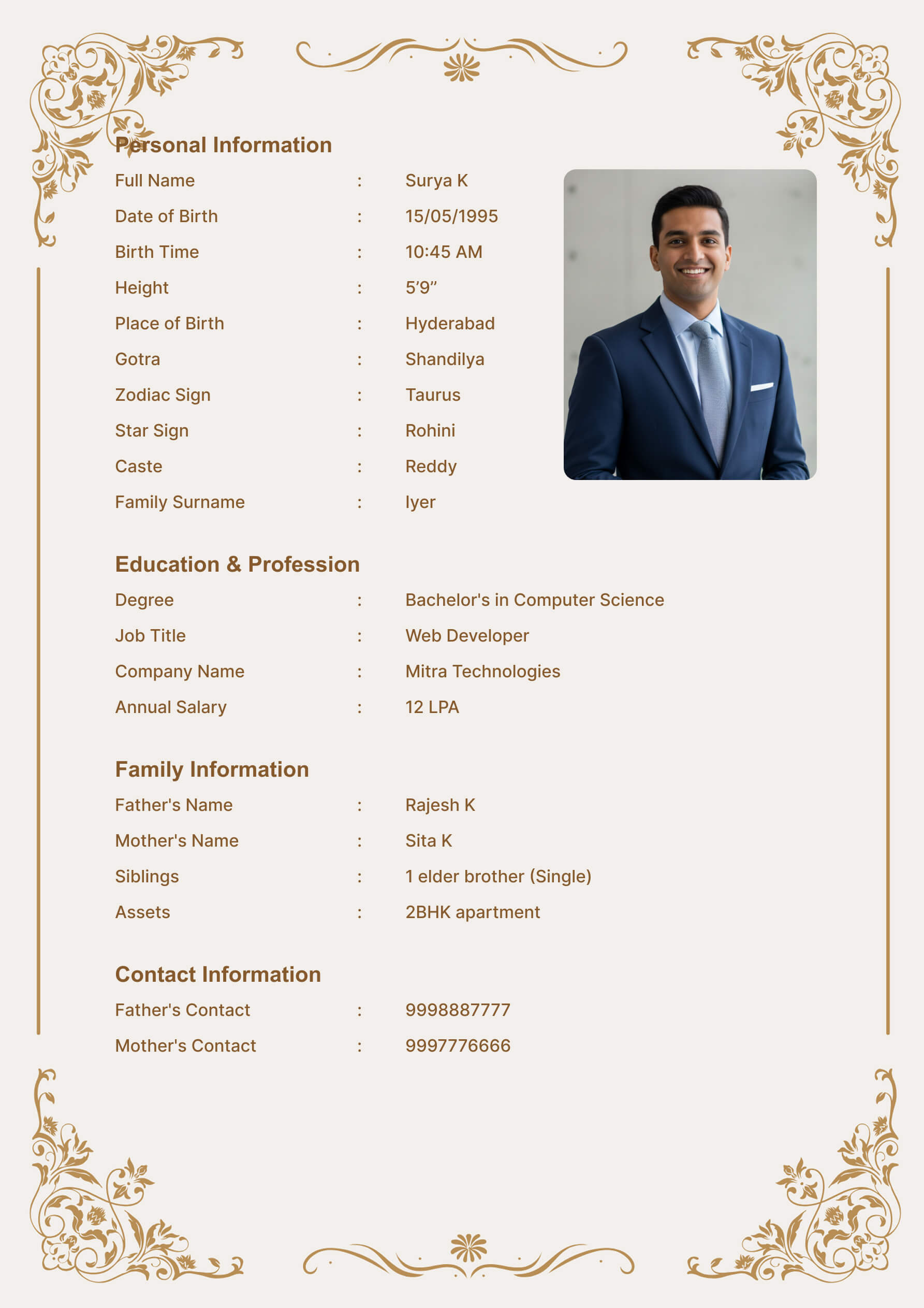
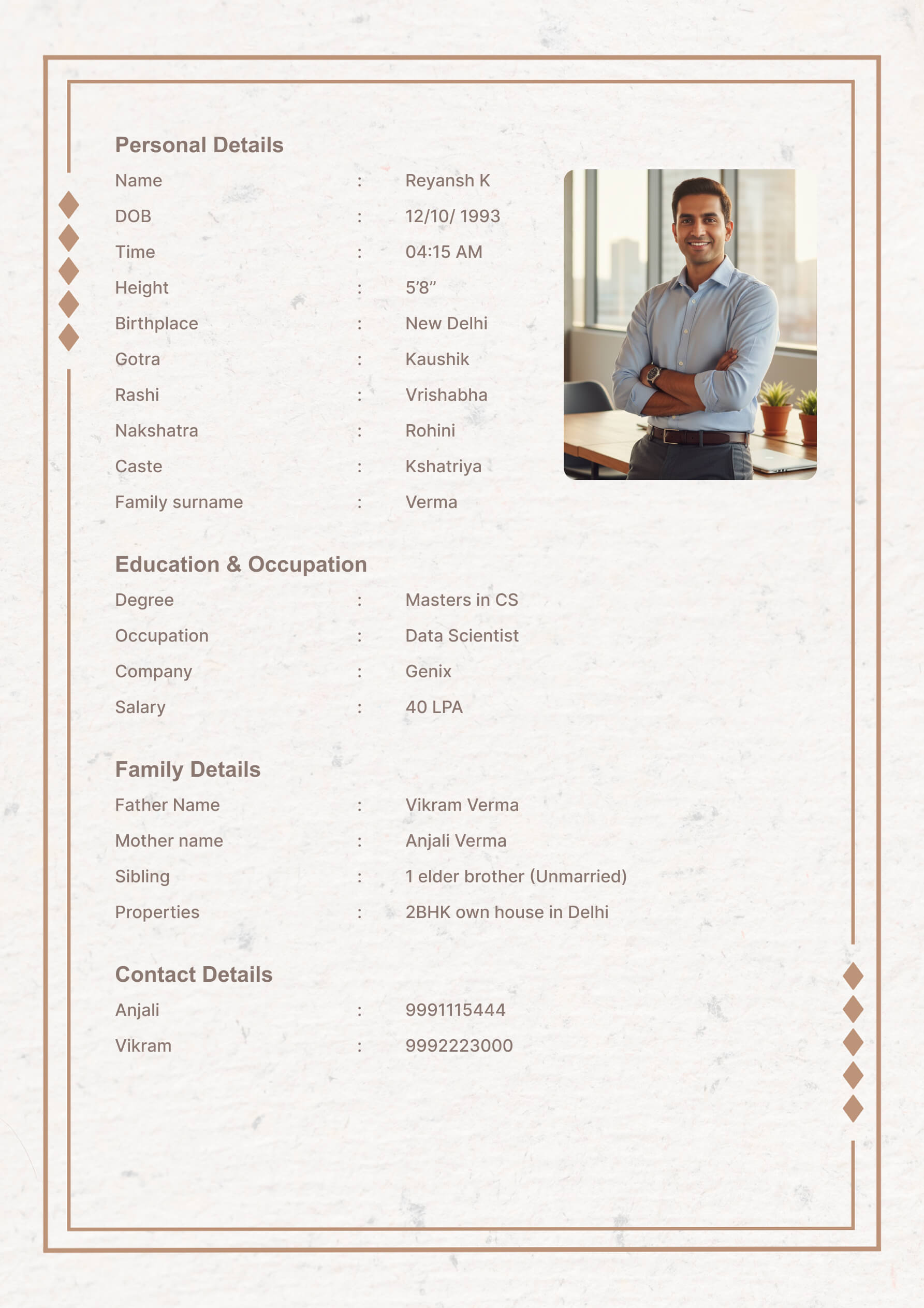
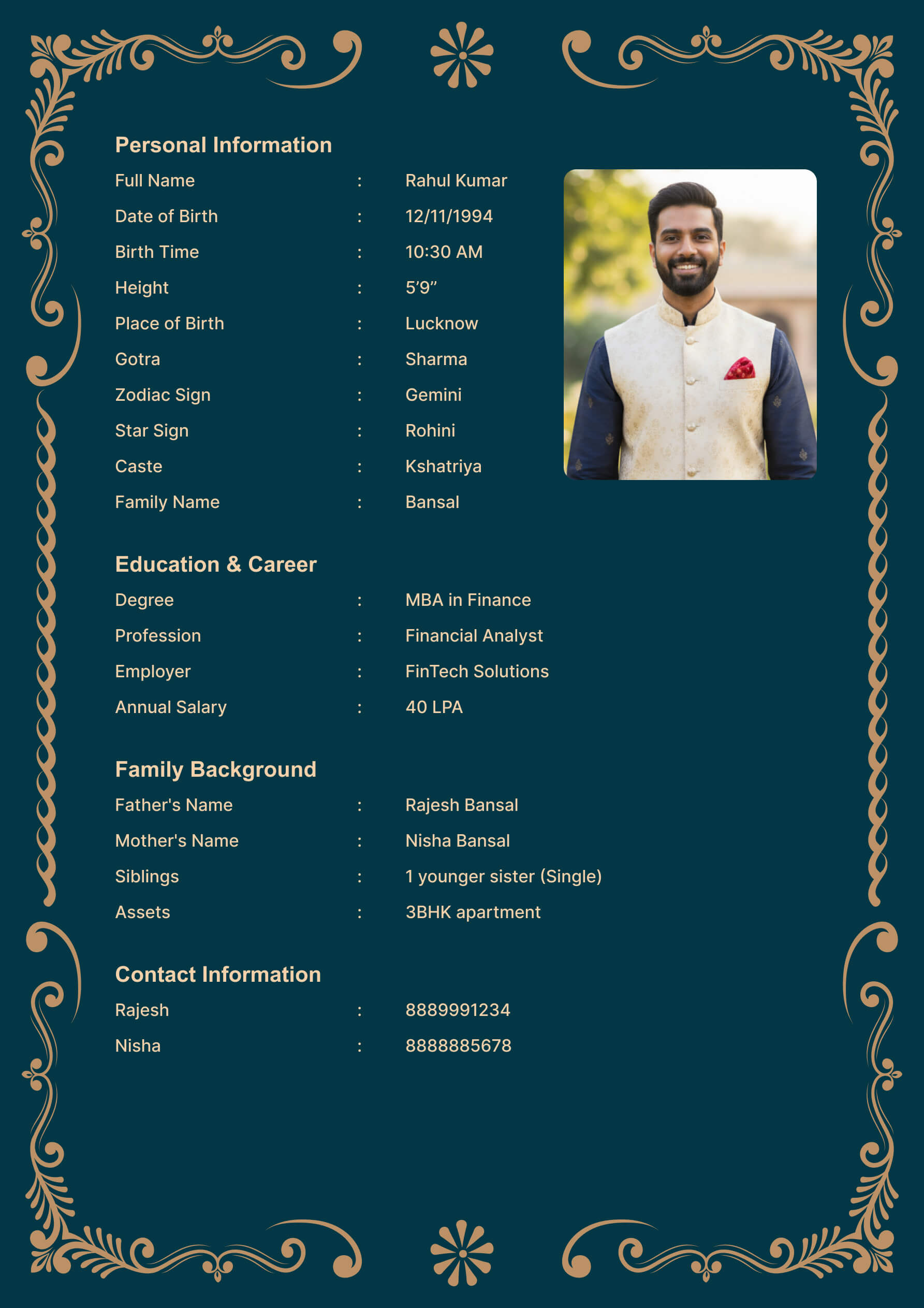
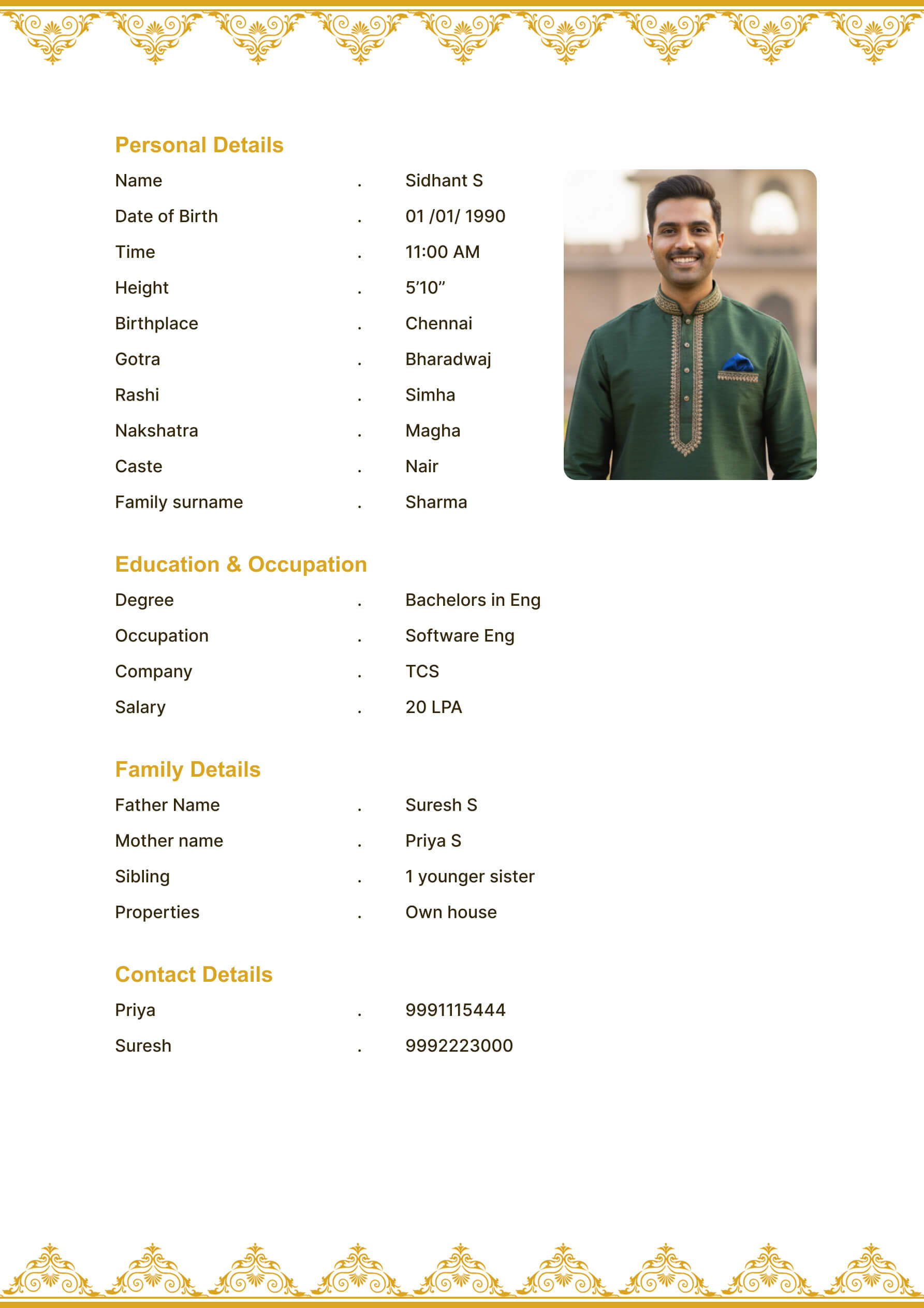
Template Previews
Final Take
An updated biodata shows attention, clarity, and seriousness. You do not need to rewrite everything. Focus on the details that affect first impressions: current information, warm wording, photo quality, privacy, and PDF readability.
When you are ready, open the MatrimonyBio editor, update your sections, preview the design, and export a fresh final PDF for sharing.